
Does a Wireless CarPlay Adapter Work in an Electric Car?
An EV badge does not determine CarPlay adapter compatibility. Check the installed infotainment system, wired CarPlay support, USB data port and exact vehicle configuration before buying.
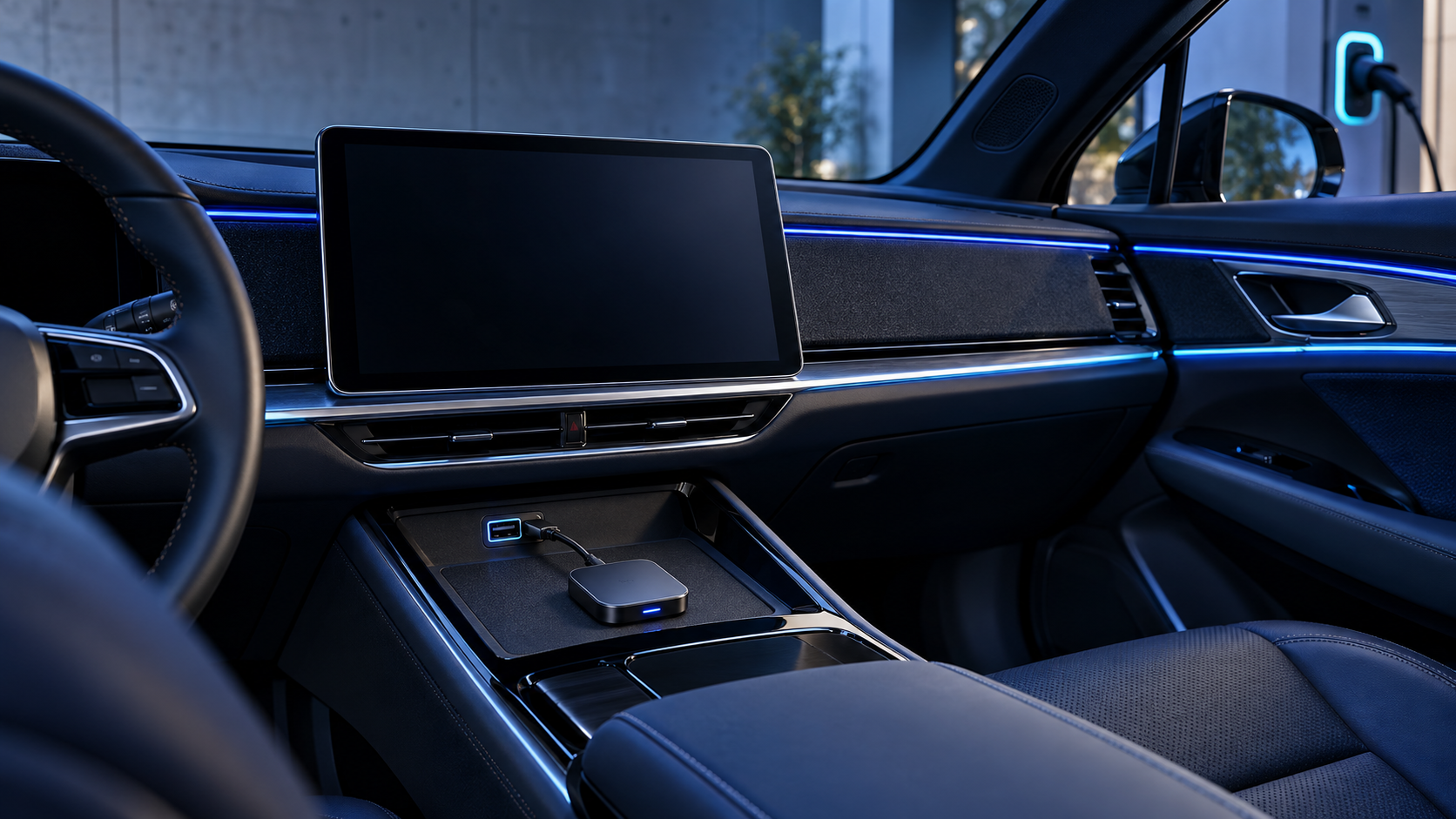
Direct answer: An electric car can use a wireless CarPlay adapter only if its installed infotainment system supports the wired CarPlay connection required by that exact adapter. The vehicle’s electric powertrain does not establish this. Check the specific model year, trim, market version, infotainment software and USB port. If the car already has native wireless CarPlay, an adapter may be unnecessary; if it has no compatible factory CarPlay host, a standard wireless adapter is not a retrofit screen. These are separate product paths with different prerequisites. For buyers, the reliable decision starts with the head unit and connection path—not the EV badge, charging connector or a generic vehicle list.
Why the powertrain does not answer the compatibility question
CarPlay connects an iPhone through vehicle hardware. Apple’s setup guidance describes connecting through USB or through the vehicle’s wireless capability, depending on what the vehicle supports. Compatibility therefore depends on the installed infotainment system and connection route. Whether the car is battery-electric, hybrid or gasoline-powered is not, by itself, proof that a particular adapter will work.
An EV may have a large central touchscreen, a built-in app environment, wireless phone projection, wired phone projection, or a combination that varies by model and configuration. The visible screen size is not evidence that a USB port carries CarPlay data. Likewise, a charging port, USB-C connector or wireless charging pad does not demonstrate that the car offers the specific host connection an adapter needs.
The first question is not “Is this an EV?” It is “What exact phone-projection capability does this installed vehicle system provide today?”
Identify the vehicle’s current CarPlay state
Classify the car into one of three states before selecting a product. Do not infer the state from the vehicle’s marketing page alone: equipment can differ by year, trim, market, software and installed options.
| Current vehicle state | What to verify | Likely product path | Important boundary |
|---|---|---|---|
| Wired CarPlay works when an iPhone is connected by cable | Direct CarPlay operation through the exact USB data port intended for the accessory | A wireless CarPlay adapter may be evaluated | The exact adapter and vehicle configuration still need verification |
| Native wireless CarPlay already works | Whether the buyer has a specific problem the built-in system does not solve | Often no adapter is needed; evaluate another product only for a distinct job | Do not sell an adapter merely because the car is electric |
| No compatible factory CarPlay host is available or the state is unknown | Whether the vehicle supports CarPlay at all, and whether the relevant port is data-capable | Consider a different product architecture or gather more evidence | A standard wireless adapter does not add a display or create a missing host function |
Apple notes that connection steps differ between USB-capable and wireless-capable cars. For a specific vehicle, its owner’s manual and the actual installed system should guide the check. A third-party adapter’s requirements may be narrower still. Ask its supplier for the exact host conditions rather than assuming that all cars with CarPlay are interchangeable.
A practical check before buying or recommending a device
For a single vehicle, the check can be short. For a distributor, dealer group or online retailer, turn it into a repeatable intake flow.
- Record the exact configuration. Capture make, model, model year, trim when relevant, destination market and infotainment version if visible. Do not use a broad badge such as “Brand X EV” as the tested configuration.
- Test direct CarPlay first. In a safe parked setting, connect a compatible iPhone to the vehicle with a known data-capable cable and use the owner’s manual to start CarPlay. Confirm that the factory display opens the CarPlay interface, rather than merely charging the phone or playing Bluetooth audio.
- Identify the port. Record the exact port location and connection used. Similar-looking USB-A or USB-C ports can have different roles. A powered port is not automatically a CarPlay data port.
- Check whether wireless CarPlay is already built in. Pair the phone using the car’s documented procedure. If native wireless projection already meets the buyer’s need, explain that an adapter may offer no meaningful benefit.
- Compare the accessory’s written requirement. Match the verified vehicle host to the supplier’s prerequisite for the exact adapter SKU. If the requirement is unclear, mark it unconfirmed and request a compatibility review.
- Evaluate the actual sample if the use case matters commercially. Record the product identity, vehicle setup, phone and software versions, connection route, result and limitations. One demonstration is evidence about that setup, not a guarantee for every EV in a range.
Choose the product architecture by the missing function
If the check shows that a standard adapter is not the right path, do not force the buyer into an unsuitable SKU. Separate the customer’s need from the product label.
| Buyer’s current situation | Question to resolve | Possible route to evaluate |
|---|---|---|
| Wired CarPlay works, but the buyer wants a wireless connection | Does the exact adapter support this host and intended phone setup? | Wireless CarPlay adapter |
| Native wireless CarPlay works, but the buyer wants an additional capability | What specific function is missing, and does another device provide it with verified support? | Compare a clearly defined AI Box or other product against the buyer job |
| Factory CarPlay is absent or the host state cannot be confirmed | Does the buyer need a separate display or head-unit installation rather than a conversion adapter? | Portable Smart Car Screen or a separately assessed head-unit solution |
| The desired outcome involves vehicle functions or charging behavior | Is the requirement part of the vehicle system rather than phone projection? | Use the vehicle maker’s documentation or qualified installation/support channel |
An AI Box, adapter and portable screen are not interchangeable names for the same solution. Their host, display, software, installation and support requirements can differ by model. A buyer should compare actual specifications and evidence for each device, not assume that one category will unlock every feature on an EV’s touchscreen.
For a wider product shortlist, start with the TrolinkTek product center and vehicle and distributor solutions. For projects involving a private-label configuration or channel-specific materials, see OEM/ODM services.
EV-specific details worth checking after basic fitment
Once the vehicle passes the basic host check, consider how its operating environment affects the complete user experience. These are evaluation questions, not claims that every EV behaves the same way.
Port access and cable routing. Some buyers may want the adapter hidden or may use the same console area for other accessories. Check the proposed location, cable reach, nearby storage and whether the connection remains accessible for service. Do not block controls, vents or storage features.
Power and sleep behavior. Ask how the exact car’s accessory port behaves when the vehicle is locked, parked or charging, and test according to the vehicle maker’s instructions. Do not infer battery-drain risk from the traction battery; accessory circuits and sleep behavior are separate design questions.
Native EV information. Charging, energy or vehicle-status functions may be supplied by the vehicle’s own system or apps. A CarPlay adapter should not be presented as adding access to those functions unless the exact product and vehicle provide verified support. Keep expectations aligned with the documented phone-projection scope.
Software and updates. An infotainment update can change the environment in which an accessory is used. Keep records of the tested vehicle software and device build when relevant. If a customer reports a change after an update, collect the before-and-after configuration rather than treating the powertrain or model badge as the cause.
Market and trim variation. A vehicle sold under the same name in two markets may have different infotainment equipment or software. Retail listings and distributor fitment notes should name their evidence boundary and avoid blanket “all years and trims” claims.
A distributor’s EV fitment record
A one-line fitment note is easy to publish but difficult to defend. A compact record helps sales, support and sourcing teams answer consistently:
- Vehicle make, model, model year, trim and destination market;
- Infotainment model or software version when available;
- Whether wired CarPlay was verified directly;
- Exact port and cable used for the test;
- Whether native wireless CarPlay was present;
- Adapter SKU, hardware/software identity and supplier prerequisite;
- Test date, result, limitations and evidence owner;
- Approved customer-facing wording and configurations not covered.
Keep “tested,” “reported by a customer,” “supplier-stated” and “not checked” as distinct evidence statuses. A dealer’s demonstration can be useful but should not quietly become a universal compatibility claim. When results are mixed, publish a bounded note or route the buyer to a review instead of collapsing all versions into one yes-or-no answer.
This is particularly useful for product-page teams. A concise pre-sale question—“Does your exact vehicle launch wired CarPlay from this port?”—is more actionable than “Do you own an EV?” The first screens for the accessory’s functional prerequisite; the second only describes the powertrain.
Common mistakes to avoid
Assuming all electric cars share the same infotainment. EV platforms and equipment differ. Verify the installed system and version.
Confusing charging with data. A port can provide power without providing the data function required by an accessory. Test the phone-to-head-unit path.
Buying an adapter to add a missing system. A conversion adapter should not be described as a new screen or a replacement for an unsupported factory host.
Ignoring native wireless projection. If the car already connects wirelessly, identify an unmet need before recommending another adapter.
Generalizing from one vehicle. Tie a passing result to the specific configuration, accessory version and method documented.
Using an adapter to solve an unrelated EV concern. Phone-projection accessories should not be represented as controlling charging, battery, energy or vehicle settings unless verified for the exact product and vehicle.
For related fitment guidance, see how to check whether wireless CarPlay can be added without factory wired CarPlay and the comparison of a wireless adapter with built-in wireless CarPlay.
Limits and when to pause
This guide is a screening method, not a compatibility database or a promise for any named EV. Vehicle equipment can vary by market, trim, model year and software. Adapter requirements can also vary by SKU and revision. Do not rely on an unverified forum post, sales listing or demonstration from a different vehicle as proof for the configuration being considered.
Pause and request product-specific evidence if the owner’s manual is unclear, direct wired CarPlay cannot be confirmed, the port may be charge-only, the vehicle has aftermarket infotainment, or the supplier has not stated the exact host requirement. If a product’s documentation conflicts with observed behavior, record the discrepancy and obtain qualified support before making a customer-facing claim.
FAQ
Do electric cars support wireless CarPlay?
Some do, and some configurations may use USB. Check the exact vehicle’s equipment and owner’s manual; the electric powertrain alone does not answer this.
Can I use a wireless CarPlay adapter if my EV already has wireless CarPlay?
Usually there is no reason to add a conversion adapter if native wireless CarPlay already meets the need. Evaluate an accessory only for a separate, documented function and verify that function for the exact vehicle and product.
Will a USB-C port make an EV compatible with an adapter?
No. Connector shape and charging capability do not prove that the port supports the required CarPlay data connection. Confirm that direct wired CarPlay works through the exact port.
Can a wireless adapter add CarPlay to an EV with no factory CarPlay?
Do not assume so. A standard wireless adapter is generally evaluated against an existing compatible CarPlay host. If the vehicle lacks that host, assess another product architecture and its own installation requirements.
Is the same fitment note valid for every trim and model year?
Not without evidence. Keep the claim limited to configurations actually checked, and re-evaluate when relevant vehicle or accessory software changes.
Request an EV compatibility review
Share the vehicle make, model year, trim, market, infotainment details, port tested and whether wired or wireless CarPlay already works. TrolinkTek can use those details to scope a product recommendation or identify evidence still needed. Review the product range, our solutions and available downloads, or request a compatibility review. For retailer or importer programs that need fitment wording and support materials, include the target channel and exact product SKU under consideration.